Most UXPilot review 2026 posts obsess over how fast the tool generates screens.
That’s the wrong question.
The real question is whether those screens survive contact with your design system, your Figma file, and your developer handoff pipeline. If they don’t, the “speed” just turns into verification debt you pay later.
If you’ve already shipped real SaaS flows, you’re not evaluating inspiration tools anymore. You’re evaluating whether UXPilot’s Blitz model actually reduces production effort or quietly increases it.
UXPilot AI Review 2026: The Reality of Generative UI
What is UXPilot? (Beyond the Blitz Execution Model)
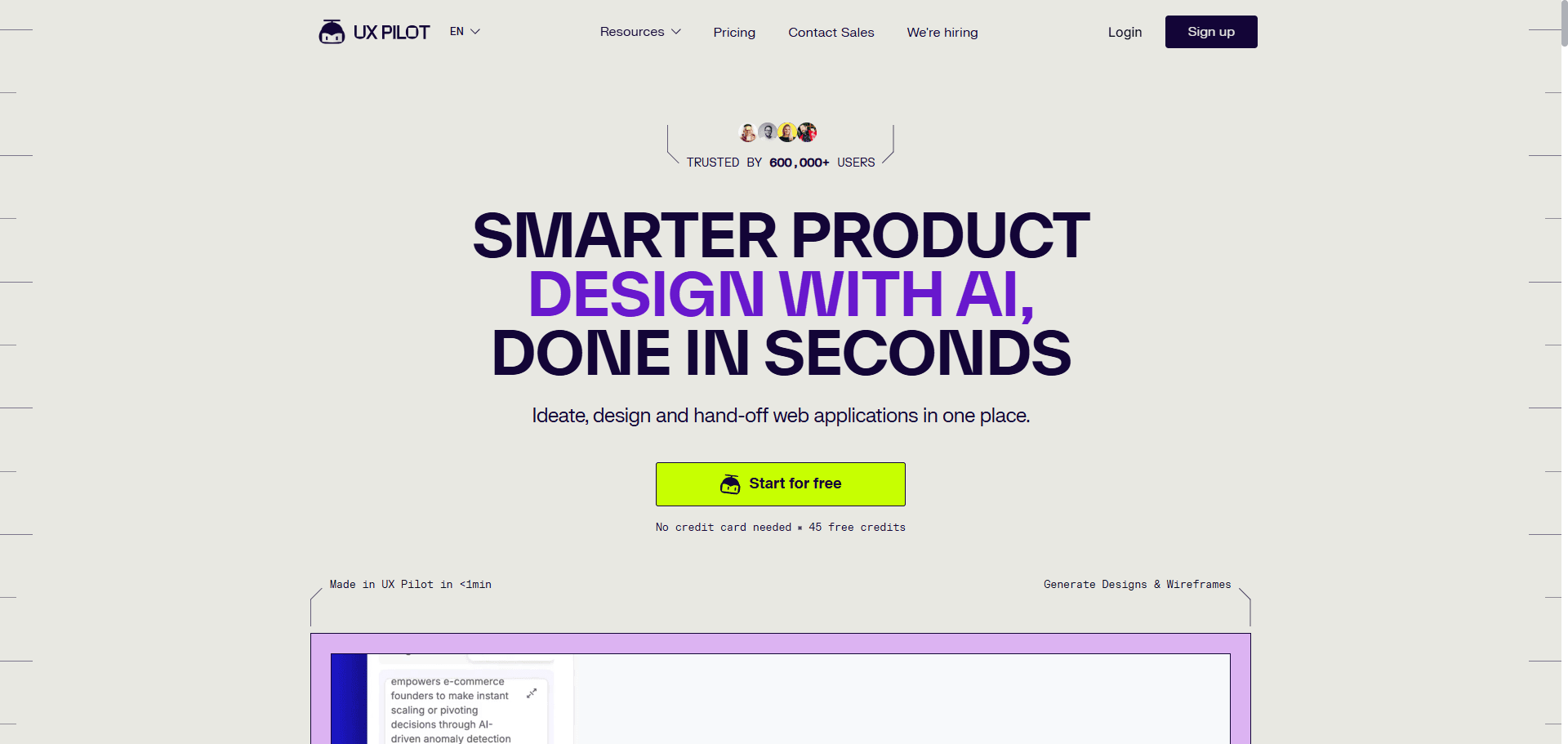
UXPilot is an AI UI generator built around a speed-first workflow.
Its core pitch is simple:
Generate layouts in seconds
Map flows automatically
Export to Figma
Produce usable frontend-ready code
The Blitz model reportedly creates dashboards and structured layouts up to 16× faster than manual workflows. That sounds impressive until you test what happens after export.
The real evaluation isn’t generation speed. It’s whether those layouts remain structurally usable inside production tooling.
UXPilot Pricing Breakdown: Is the Pro Plan Worth $22/Month?
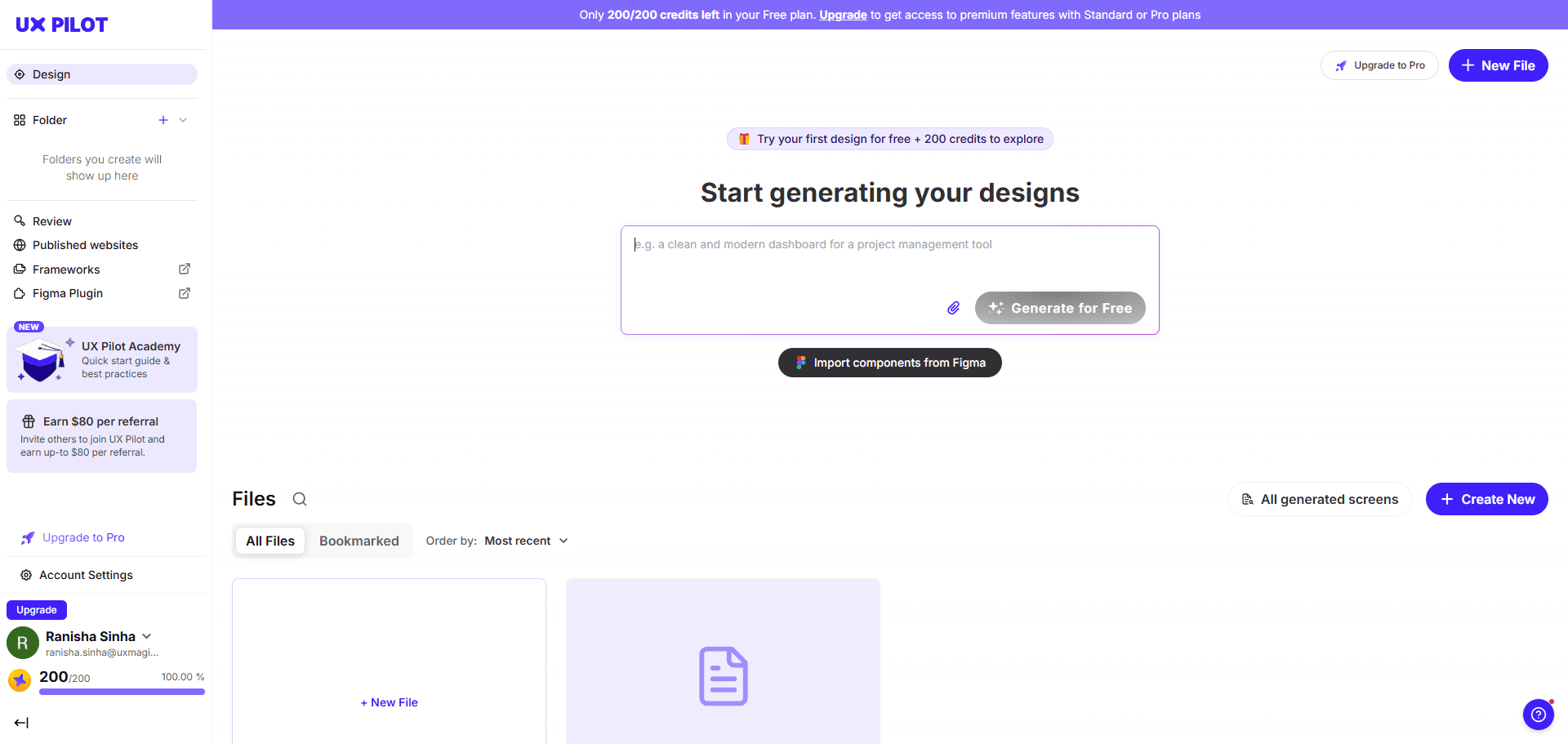
UXPilot’s pricing structure is straightforward and credit-based:
Plan
Price
Credits
Best For
Free
$0
90
Testing the platform
Standard
$12/month
420
Freelancers
Pro
$22/month
1,200
Product designers
Enterprise
Custom
Unlimited/custom
Agencies
The Pro plan looks inexpensive at first glance.
But pricing only matters if the outputs reduce downstream labor. If your team spends 45 minutes repairing every exported screen, the tool isn’t saving money ,it’s redistributing cost into cleanup
Deep Dive: UXPilot Features vs. Real-World Limitations
The AI Wireframe Generator: Speed vs. Structural Logic
Most guides praise instant high-fidelity generation.
That’s backwards.
Jumping directly to polished UI skips structural validation—the step where actual product thinking happens. Stakeholders immediately critique colors instead of workflows.
High-speed rendering is useful for:
macro architecture previews
flow mapping
layout exploration
It’s dangerous when used as production output.
This is why teams increasingly treat AI as a wireframe engine first, not a visual designer. If you’re still prompting for pixel-perfect dashboards before validating flows, you’re building technical debt early.
For a realistic picture of how designers actually structure AI-assisted workflows, see how teams apply AI inside shipping environments in this breakdown of real production usage: https://uxmagic.ai/blog/ai-in-ux-design-workflow
Dashboard Builder and the Flaws of Data Visualization
But dashboards aren’t static layouts. They’re responsive systems.
A typical failure pattern:
columns don’t respect auto-layout
tables behave like flat layers
padding adjustments break alignment
adding a column collapses structure
So the UI looks correct ,but behaves incorrectly.
In enterprise environments, designers often delete the generated table entirely and replace it with their internal component version. At that point, the AI becomes inspiration ,not infrastructure.
The Figma AI Plugin: Bridging the Handoff Gap
UXPilot’s plugin workflow follows three steps:
Describe an interface or upload a PRD
Generate layouts using Blitz
Export via Retrieve in Figma
In practice, exports frequently degrade during extraction from the web generator into the Figma JSON tree.
Common issues:
long scrolling pages get truncated
charts fail to import correctly
nested components break
auto-layout structures become illogical
brand tokens are ignored unless heavily constrained
Most reviews skip this part. That’s the part that determines whether the tool is usable in sprint environments.
The Hidden Cost of Stateless AI Design Tools
Understanding Verification Debt and Design Drift
Verification debt is what happens when every generated screen must be manually checked before handoff.
It usually appears like this:
typography shifts between steps
button radii mutate across flows
spacing tokens drift
navigation placement changes unexpectedly
This is called AI Context Amnesia.
Instead of generating a connected system, the tool produces isolated snapshots. Designers spend more time synchronizing screens than they would building flows from scratch.
Instead of regenerating each screen independently, UXMagic’s Flow Mode maintains persistent memory across flows so:
typography scales stay locked
spacing rules remain consistent
navigation structure persists
component variants don’t mutate mid-journey
That eliminates the verification debt loop before it starts.
It also enforces cognitive consistency requirements aligned with WCAG 3.2.3 and 3.2.4 something stateless generators frequently break unless manually corrected.
When layouts arrive instantly, designers shift from authors to curators. Instead of constructing architecture intentionally, they select the least-wrong option from four generated variations.
Over time, that weakens:
structural decision-making
pattern selection discipline
research interpretation depth
The danger isn’t automation.
It’s plausible outputs that look correct enough to accept without challenge.
Tool Showdown: UXPilot vs. Competitors
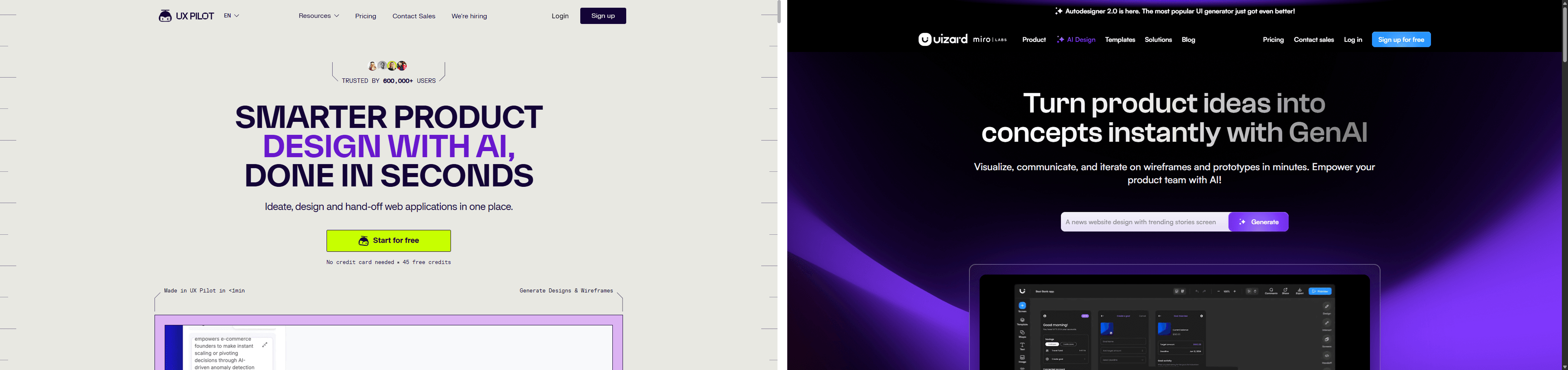
UXPilot vs Uizard: Structure vs. Simplicity
The difference is audience alignment.
Uizard prioritizes accessibility for:
beginners
product managers
non-designers
That makes outputs fast ,but often generic.
UXPilot targets professional designers using complex prompts and layered constraints. Its outputs align closer to production expectations, but still suffer from stateless drift during multi-screen workflows.
So the tradeoff isn’t quality vs speed.
It’s structure vs simplicity.
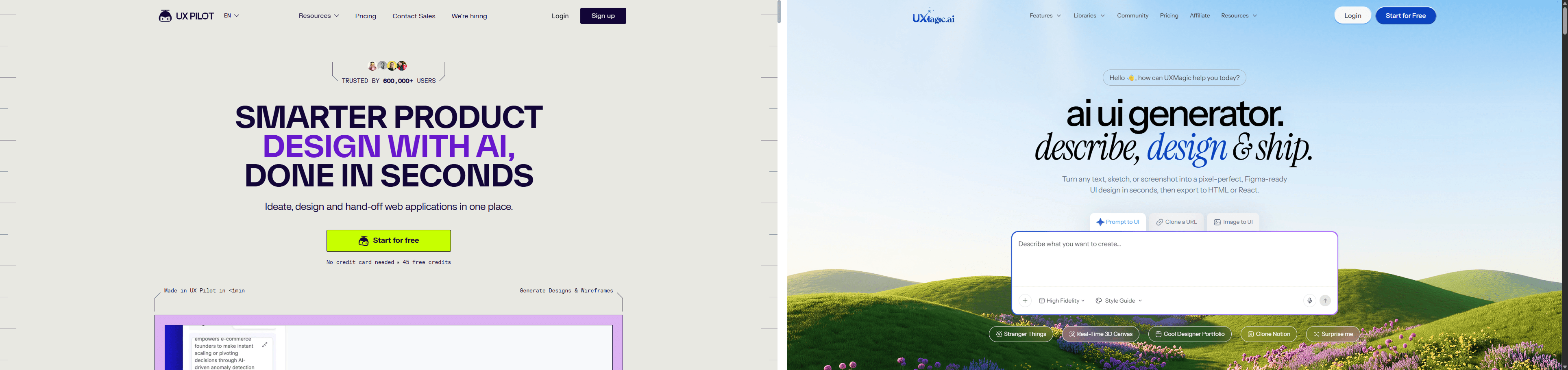
UXPilot vs UXMagic: Stateless Ideation vs Stateful Production
Here’s the architectural difference most comparisons ignore.
Stateless generators:
treat screens independently
ignore persistent tokens
detach components during export
require manual cleanup before handoff
UXMagic’s workflow starts earlier before generation ,by locking tokens and enforcing constraints during execution instead of after export.
That means:
fewer detached components
fewer spacing mismatches
fewer typography resets
fewer accessibility regressions
Instead of producing moodboards, it produces flows aligned with component libraries.
UXPilot Review 2026 Verdict: Should SaaS Teams Adopt It?
UXPilot is excellent at generating layouts quickly.
It struggles at maintaining systems across flows.
That distinction matters more in 2026 than ever before.
Adopt it if your workflow needs:
fast wireframe exploration
dashboard inspiration
early-stage architecture previews
PRD-to-layout acceleration
Avoid relying on it as a production pipeline if your team depends on:
strict design tokens
reusable components
accessibility consistency
multi-screen state continuity
Velocity is not competence.
If your team moves faster than its understanding of the user, you’re shipping artifacts ,not experiences.
UXPilot is fast at generating layouts but unreliable at maintaining systems across flows. For ideation, it accelerates exploration. For production workflows with strict tokens, accessibility constraints, and component libraries, it introduces verification debt that cancels out most of its speed advantage.
Stop Fixing Token Drift After Export
Generate connected product flows with locked typography, spacing, and components from the start. Try UXMagic free and skip the verification debt loop entirely.
UXPilot offers four pricing tiers: Free (90 credits), Standard ($12/month for 420 credits), Pro ($22/month for 1,200 credits), and Enterprise (custom unlimited usage). The Pro tier targets professional designers producing high-volume layouts across flows.
The plugin works in three steps: describe the interface or upload a PRD, generate layouts using Blitz, then export via Retrieve in Figma. However, complex auto-layouts, charts, and long scrolling pages sometimes import incorrectly and require manual restructuring.
UXPilot targets professional designers needing structured outputs from complex prompts, while Uizard focuses on beginners and non-designers creating lightweight wireframes. As a result, UXPilot produces more advanced layouts but still struggles with cross-screen consistency.
No. UXPilot states it does not train its models using generated designs or confidential materials. It collects anonymized interaction data such as clicks and navigation behavior to improve the platform experience instead.
Stateless generation means the AI cannot remember tokens, typography scales, or layout decisions across prompts. Each generated screen becomes an isolated snapshot, causing design drift between steps unless manually corrected afterward.
Yes. UXPilot exports semantic HTML, CSS, React, and Tailwind matching generated layouts. However, developers still must implement business logic, integrate state management, and adapt the code to production systems.
Senior designers appreciate rapid ideation speed but warn about judgment erosion. Removing friction from layout construction can shift designers into passive curators of machine output rather than intentional architects of user experiences.